

IB-DK2252AC
12-in-1 USB Type-C® & Type-A Dock mit zweifachem Videoausgang
Beschreibung
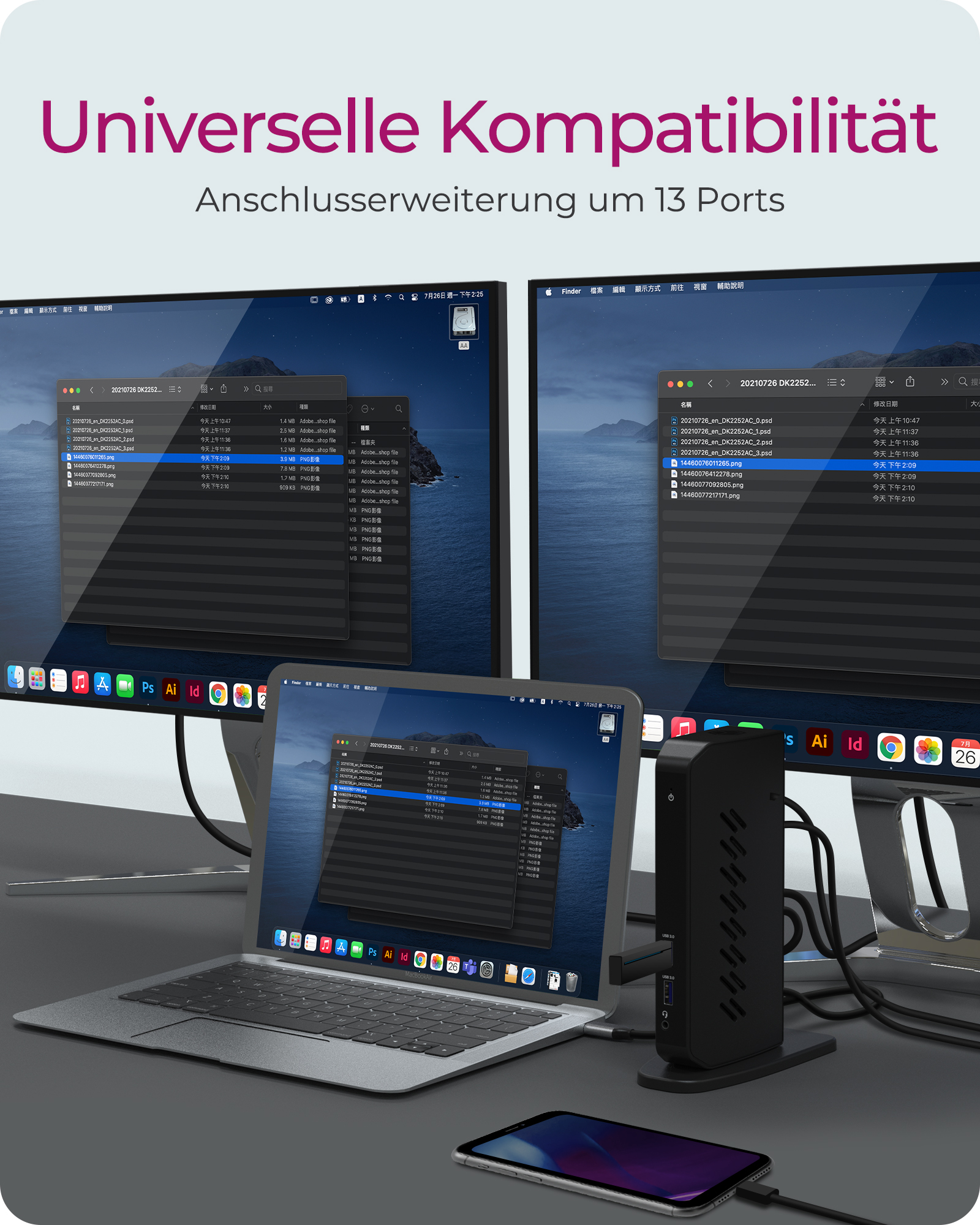
ACHTUNG: DisplayLink Treiber muss vor dem Gebrauch installiert werden. Eine zweifache Videoausgabe ist maximal möglich, entweder 2 DP, 2 HDMI® oder 1 HDMI® + 1 DP
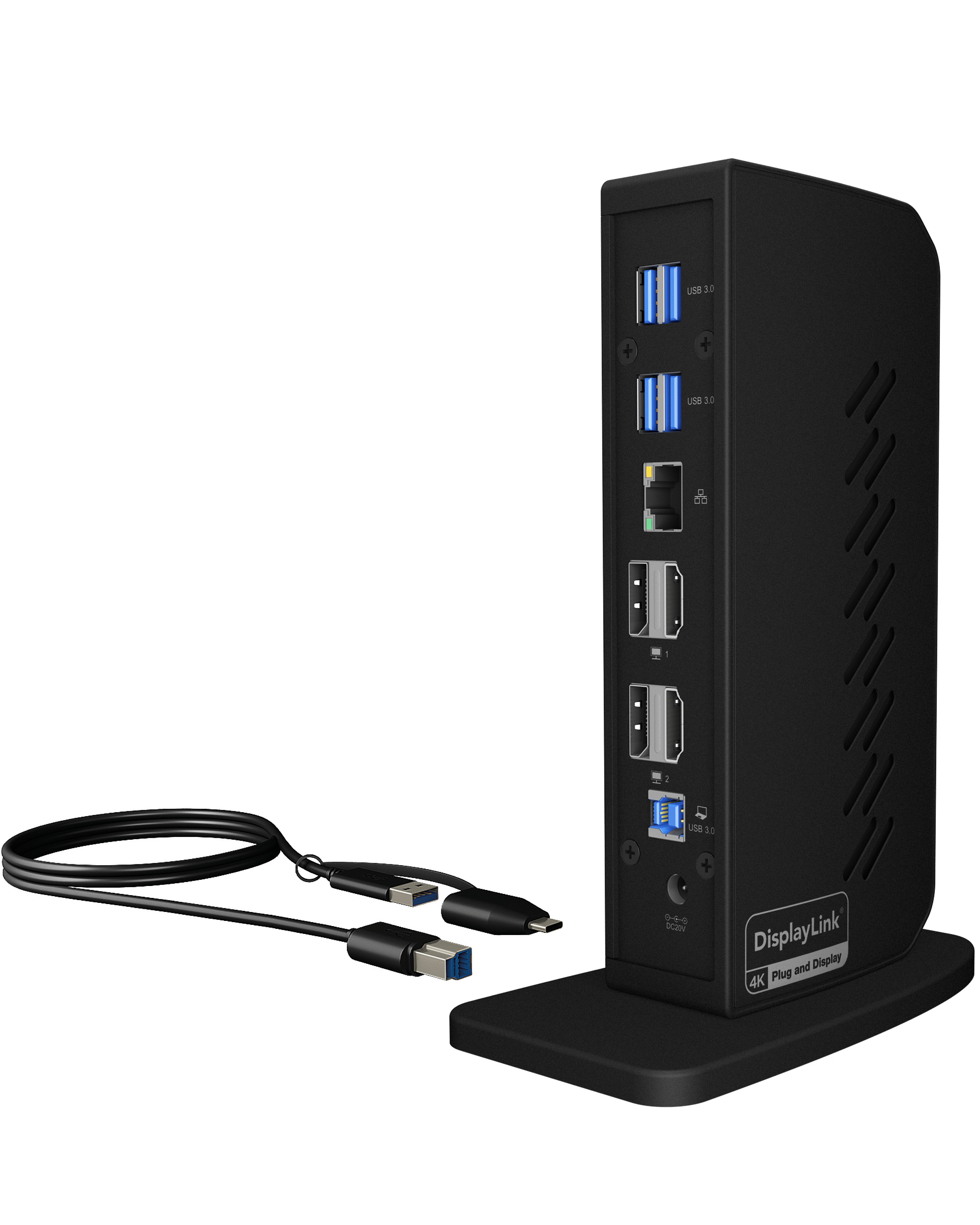
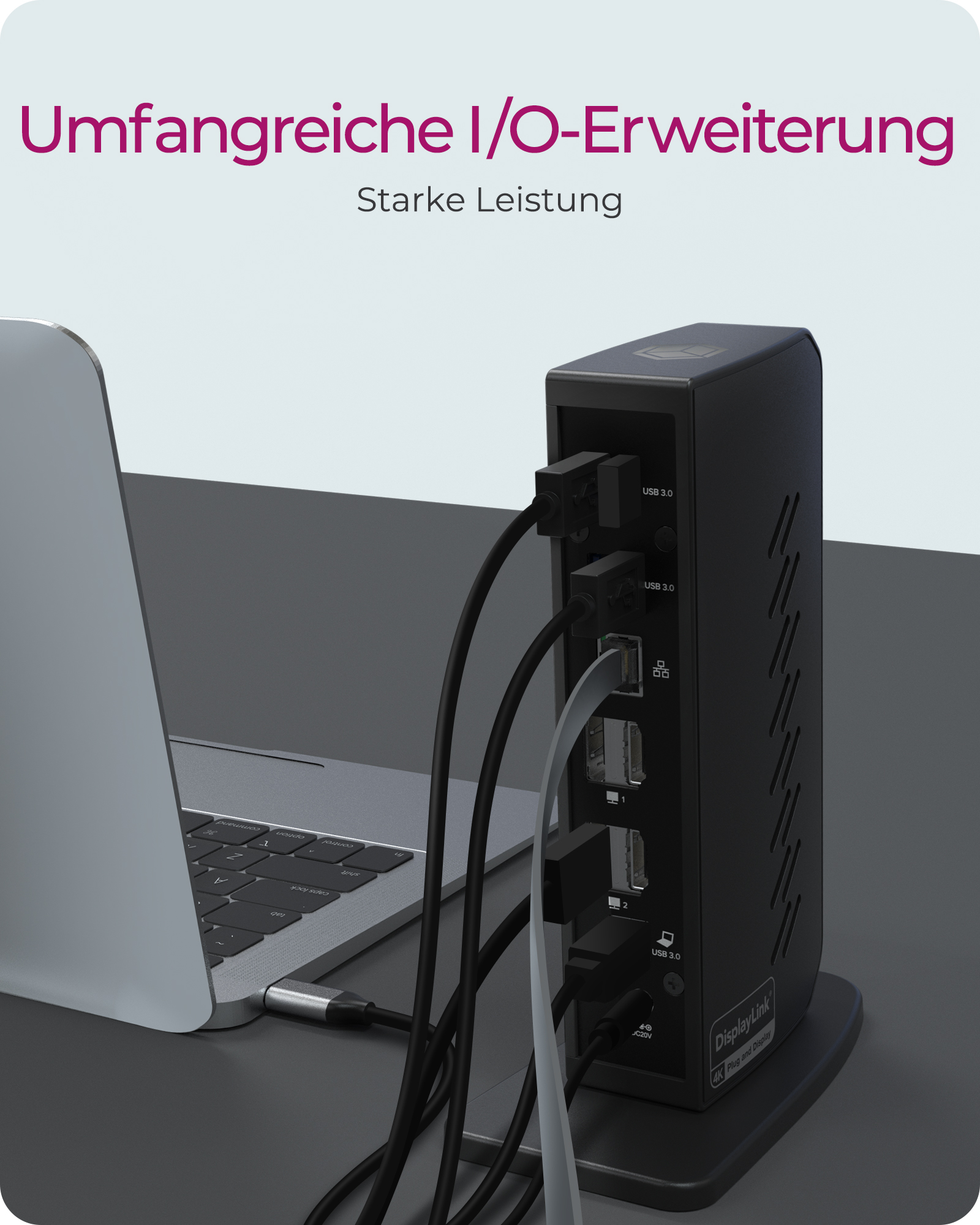
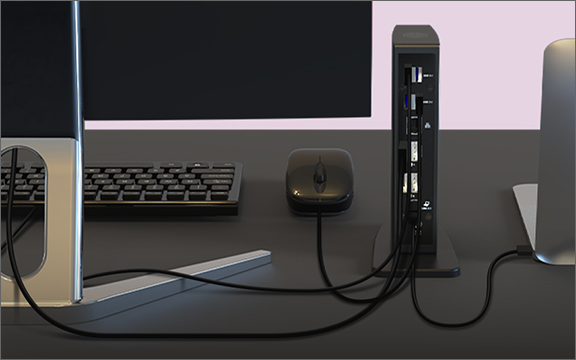
UMFANGREICHE I/O-ERWEITERUNG: Aufgrund der vielen Anschlussmöglichkeiten lässt sich die DockingStation hervorragend kundenspezifisch einrichten: Wählen Sie aus 6 USB 3.0 Anschlüssen, einem Audio Ein-/Ausgang für Lautsprecher, Mikrofon oder Kopfhörer. Der integrierte RJ45 Gigabit Ethernet Anschluss ist sicherer und schneller als die meisten WLAN Verbindungen
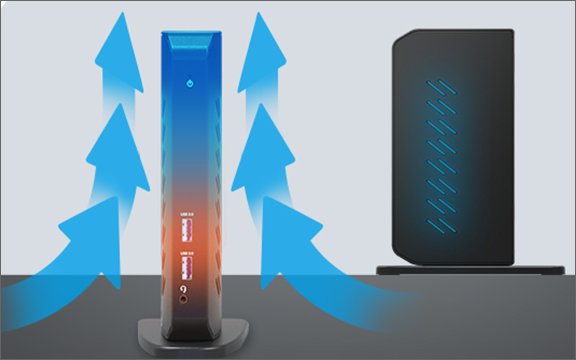
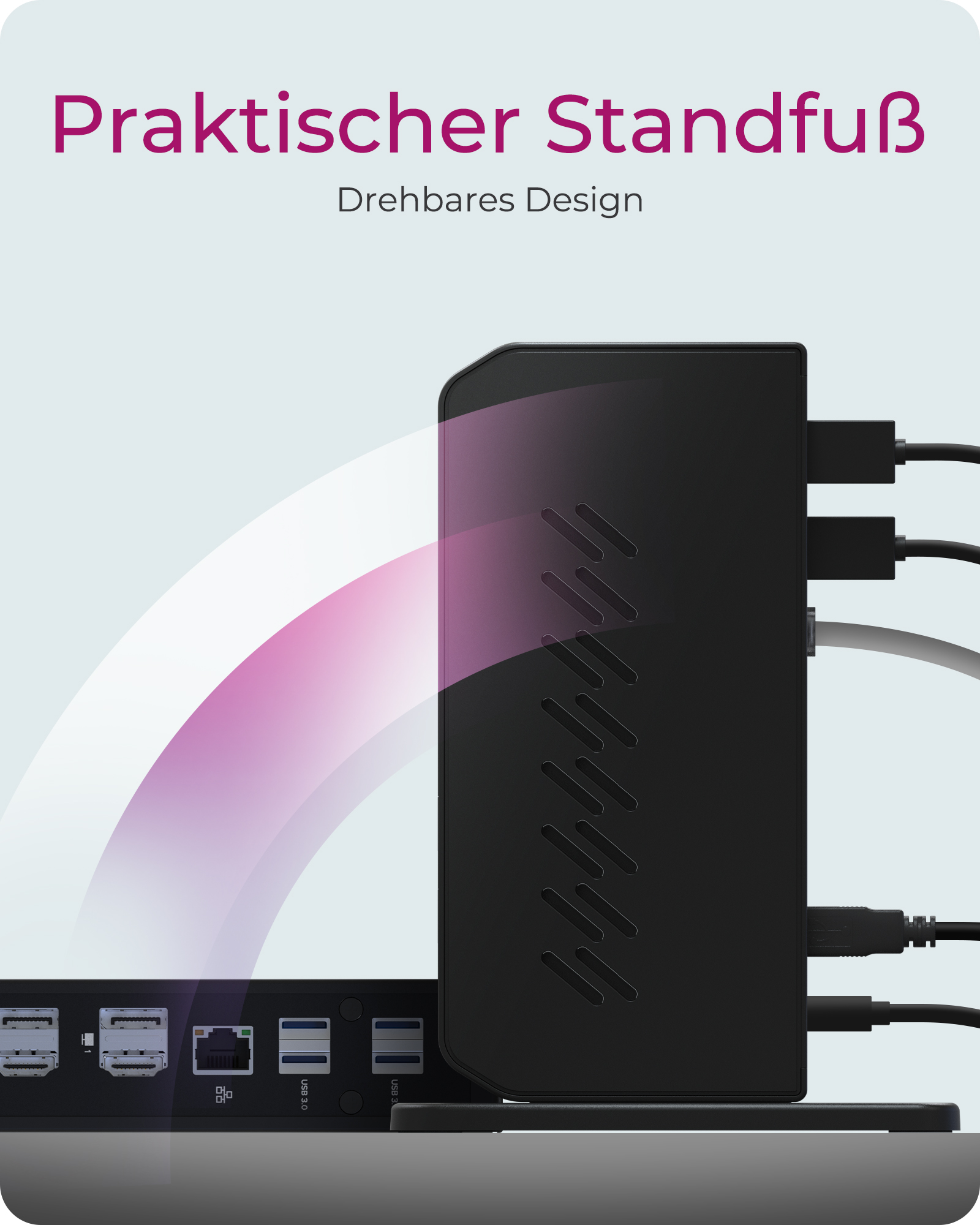
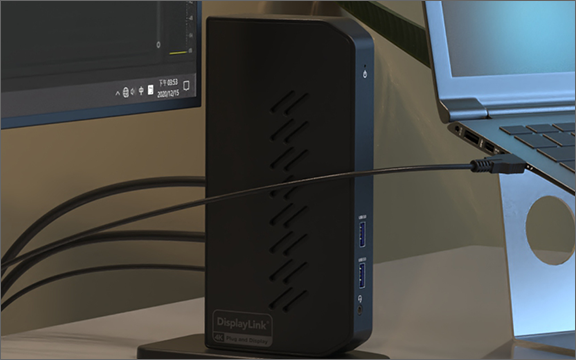
PRAKTISCHER STANDFUß: Mit dem äußerst stabilen Standfuß lässt sich die Dockingstation senkrecht aufstellen und bleibt auch dann stabil stehen, wenn alle Schnittstellen mit Kabeln verbunden sind. Die vertikale Positionierung gibt Platz auf Ihrem Schreibtisch frei
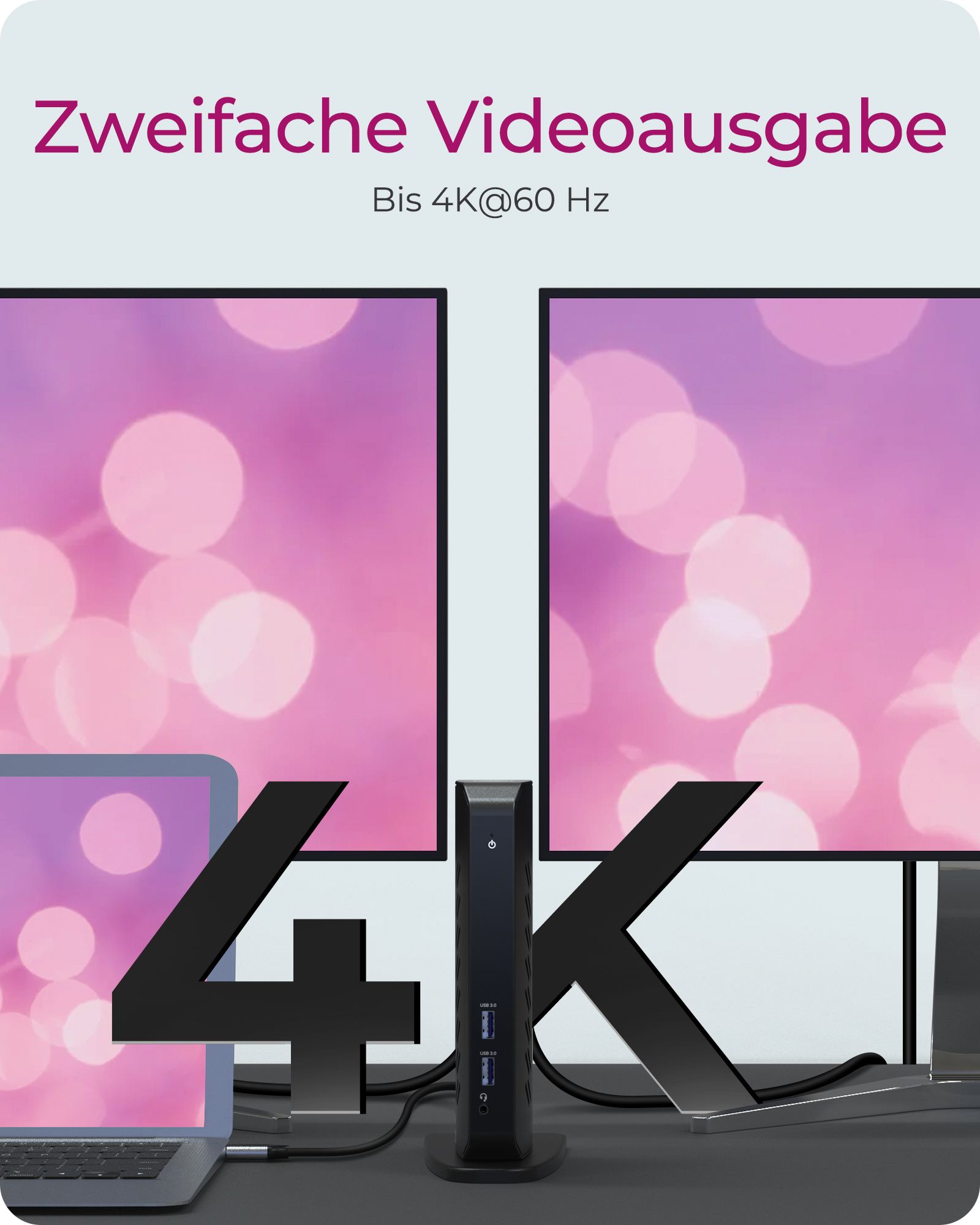
HOCHAUFLÖSENDE VIDEOAUSGABE: Durch den Anschluss eines einzigen Kabels an die DockingStation können Sie Ihr Notebook oder Windows Tablet in einen Multi-Monitor Desktop verwandeln. Hierdurch erhalten Sie Dual UHD (4K) Videoauflösungen bei 60 Hz. Die Videoverbindungen werden über DisplayPort und HDMI® Schnittstellen realisiert. Weitere Adapter sind nicht erforderlich
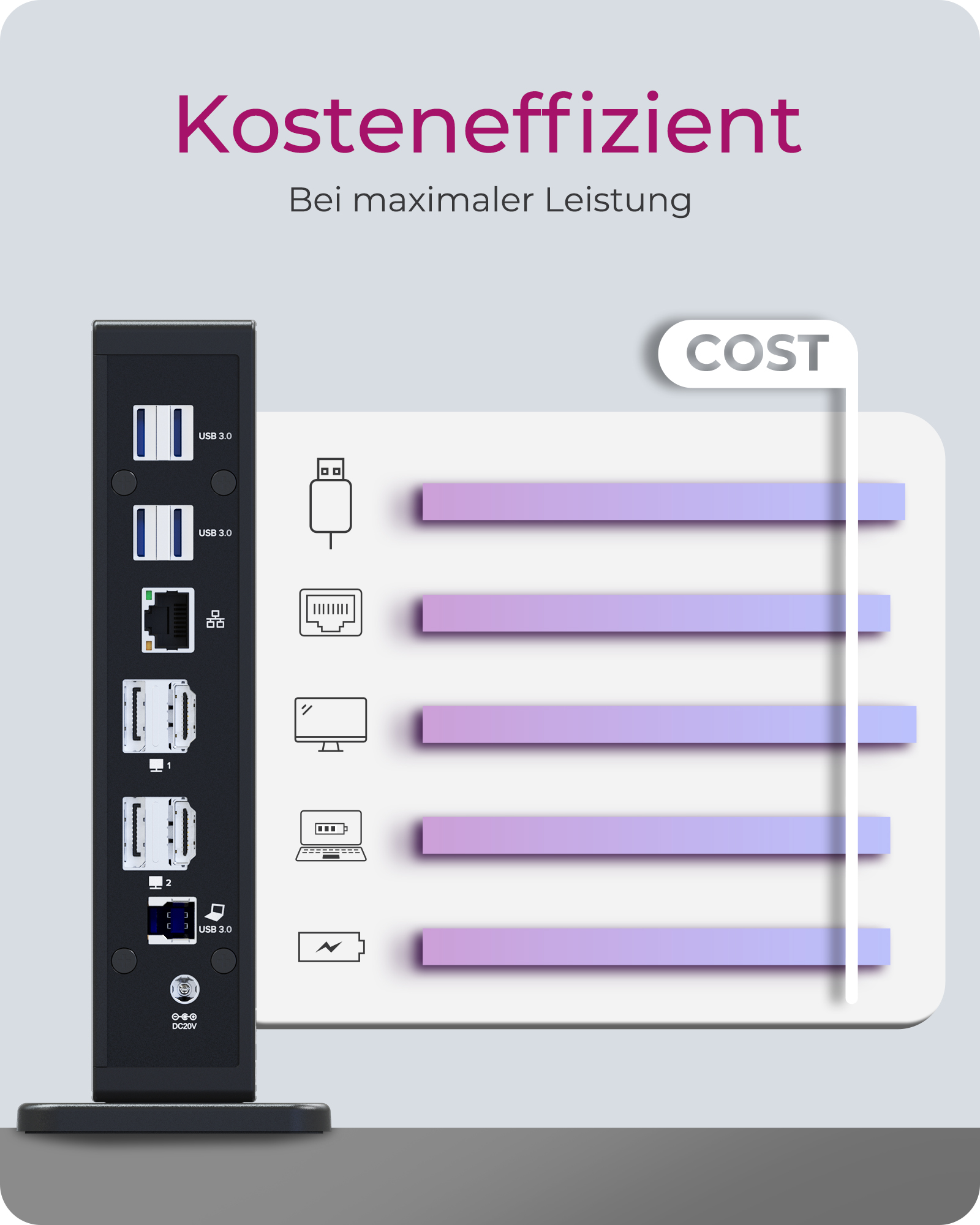
MINIMALE KOSTEN – GRÖßTMÖGLICHE LEISTUNG: Dieses DockingStation Modell ist kosteneffizient konzipiert und spart dennoch nicht an Qualität und Funktionalität ein. Die IB-DK2252AC bietet dem Nutzer eine vernünftige Kosten-Nutzen-Bilanz und schenkt dennoch eine Vielzahl an Anschlussmöglichkeiten
UMFANGREICHE I/O-ERWEITERUNG: Aufgrund der vielen Anschlussmöglichkeiten lässt sich die DockingStation hervorragend kundenspezifisch einrichten: Wählen Sie aus 6 USB 3.0 Anschlüssen, einem Audio Ein-/Ausgang für Lautsprecher, Mikrofon oder Kopfhörer. Der integrierte RJ45 Gigabit Ethernet Anschluss ist sicherer und schneller als die meisten WLAN Verbindungen
PRAKTISCHER STANDFUß: Mit dem äußerst stabilen Standfuß lässt sich die Dockingstation senkrecht aufstellen und bleibt auch dann stabil stehen, wenn alle Schnittstellen mit Kabeln verbunden sind. Die vertikale Positionierung gibt Platz auf Ihrem Schreibtisch frei
HOCHAUFLÖSENDE VIDEOAUSGABE: Durch den Anschluss eines einzigen Kabels an die DockingStation können Sie Ihr Notebook oder Windows Tablet in einen Multi-Monitor Desktop verwandeln. Hierdurch erhalten Sie Dual UHD (4K) Videoauflösungen bei 60 Hz. Die Videoverbindungen werden über DisplayPort und HDMI® Schnittstellen realisiert. Weitere Adapter sind nicht erforderlich
MINIMALE KOSTEN – GRÖßTMÖGLICHE LEISTUNG: Dieses DockingStation Modell ist kosteneffizient konzipiert und spart dennoch nicht an Qualität und Funktionalität ein. Die IB-DK2252AC bietet dem Nutzer eine vernünftige Kosten-Nutzen-Bilanz und schenkt dennoch eine Vielzahl an Anschlussmöglichkeiten
Spezifikationen
| Verpackung inklusive |
1x IB-DK2252AC
1x Netzteil mit EU-/UK-/US-Adapter
1x USB-Typ-B-auf-Typ-A-/Typ-C®-Kabel
1x Bedienungsanleitung
|
| Systemanforderungen | Nicht angegeben |
Herunterladen
Je mehr, desto besser!
Mit einem Fuß fest auf dem Boden